AI Product Photo Prompts for High-Converting Listings
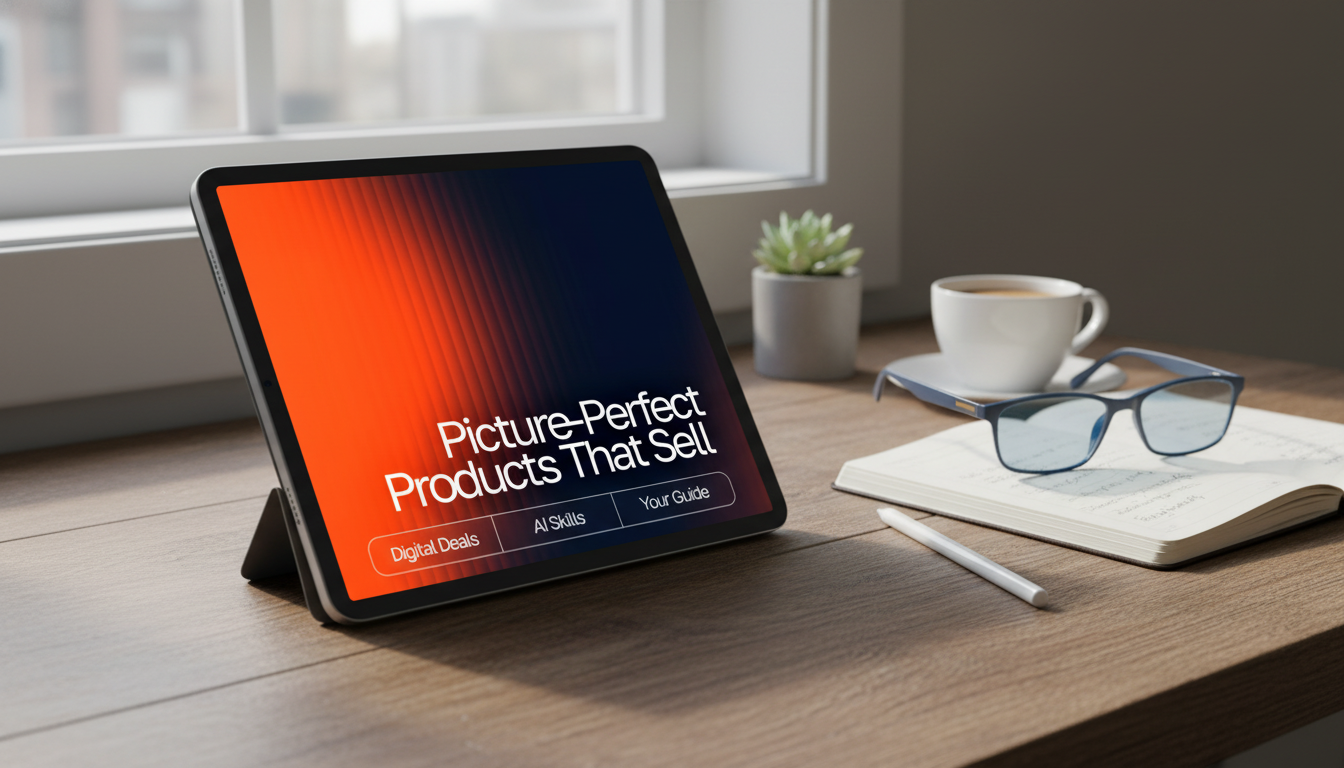
Picture-Perfect Products That Sell: A Digital Guide to High-Converting Product Imagery with AI
High-performing product images make buying decisions easier: shoppers can instantly understand size, texture, details, and use-cases. This digital guide focuses on creating consistent, studio-clean visuals and lifestyle scenes using AI with clear text instructions, so listings look trustworthy across marketplaces, ads, and social posts—without expensive shoots or complicated editing. For more guidance, see 20 AI image editing prompts for ecommerce product photos.
What makes a product image convert
Shoppers can’t pick up your product, so every image has to do the heavy lifting. The highest-converting listings tend to follow a simple pattern: clarity, consistency, and context. For further reading, see 9 best AI product photography tools for ecommerce in 2026.
- Clarity first: sharp edges, accurate colors, and visible materials reduce hesitation.
- Consistency: repeated lighting and angles across a catalog builds brand trust.
- Context: at least one scene showing scale and real-life use improves understanding.
- Detail coverage: close-ups on features, finishes, and fasteners answer silent questions.
- Clean composition: centered hero image, minimal distractions, readable negative space.
For channel requirements, it helps to cross-check marketplace rules and common studio best practices. Google’s requirements and recommendations are a solid baseline for many sellers: Google Merchant Center guidelines for product images.
Why AI-assisted imagery helps small shops move faster
Traditional product photography is powerful, but it can be slow and expensive when you need multiple angles, seasonal variants, and ad creative at scale. AI-assisted workflows help small shops keep up with the pace of content demands while preserving a consistent look.
- Rapid iteration for backgrounds, lighting styles, and lifestyle settings without reshoots.
- More variety from the same base product photo (hero, angle set, seasonal scenes).
- Catalog cohesion with repeatable “house styles” for new launches.
- Less complex editing for simple improvements (backdrop, shadows, reflections).
- Better creative testing for ads with multiple versions generated for quick comparisons.
Even if you already shoot great base photos, AI can be the bridge between “good” and “ready to publish everywhere,” especially when you need consistent crops and scene variety. For practical photography fundamentals that still apply, see: Shopify: Product photography tips.
A practical workflow: from base photo to ready-to-list images
A reliable workflow keeps you from over-editing and helps you build a repeatable system across SKUs.
- Start with the best base: evenly lit product photo, neutral background, high resolution.
- Define the goal per image: hero, scale reference, feature close-up, lifestyle, packaging.
- Write a clear text instruction describing product type, materials, background, lighting, camera angle, and mood.
- Generate 3–8 variations and pick the closest match to the real product.
- Finish with light edits: crop to platform ratios, align color, ensure readable whitespace.
- Export a set: square (1:1), portrait (4:5), and landscape (16:9) for multi-channel reuse.
For a ready-to-use instruction library built specifically around product images (hero shots, lifestyle scenes, macro details, packaging), explore Picture-Perfect Products That Sell | AI Prompts for Product Photos | Digital Guide to Stunning, High-Converting Product Imagery.
Text instruction templates that keep images consistent
Consistency comes from deciding what must never change (your “brand look”) and what can flex (the scene, season, or prop accents). Strong instructions are specific, repeatable, and constrained.
- Use fixed descriptors for your brand look (e.g., “soft daylight, neutral tones, minimal props”).
- Specify camera details for repeatability: angle, lens feel, distance, depth of field.
- Call out non-negotiables: exact color family, material, shape, and key features.
- Add constraints: “no extra logos, no added text, no hands unless requested.”
- Build a reusable library by category: jewelry, apparel, skincare, home goods, tech accessories.
Consistency checklist for text instructions
| Image type | What to specify | Common mistakes to avoid |
|---|---|---|
| Hero on clean background | Background color, soft shadow, centered framing, true-to-life color | Over-stylized lighting, harsh reflections, incorrect color temperature |
| Lifestyle scene | Setting, scale cues, prop limits, mood, time of day | Busy scenes, distracting props, unrealistic scale |
| Macro detail | Focus point, depth of field, texture emphasis, angle | Blurry edges, invented details, plastic-looking texture |
| Packaging + product | Relative placement, label readability, clean surfaces, subtle shadow | Warped labels, unreadable text, mismatched branding |
Quality control: keeping images accurate and compliant
Fast generation is only useful if the final gallery is accurate. Quality control protects trust, reduces returns, and prevents policy issues.
Building a complete image set for one listing
If you sell digital products, images still matter: cover previews, sample pages, and clean “what you get” visuals can improve confidence. For example, a clear, cohesive image set can help items like Educational Storybook for Growing Minds | Kids eBook | Digital Download | Imaginative Stories with Lessons | Learning Story Collection PDF or Top 10 Must-See U.S. National Parks + Fast Facts | Digital Travel Guide eBook for Nature Lovers, Hikers & Adventure Planners feel more tangible before purchase.
Digital guide highlight: ready-to-use instruction library for product photos
Get the full library here: Picture-Perfect Products That Sell | AI Prompts for Product Photos | Digital Guide to Stunning, High-Converting Product Imagery.
FAQ
Do AI-generated product images need to match the real item exactly?
Yes—accuracy protects trust and reduces returns. Keep color, materials, shape, and included accessories true to the real product, and avoid adding features that aren’t actually included.
What should be included in a strong hero image?
A strong hero image uses a clean background, centered framing, true-to-life color, and a subtle shadow at high resolution. Keep distractions to a minimum and follow any platform-specific background expectations.
How many images should a product listing have?
A practical range is 6–8 images: a hero shot, 2–3 angles, a detail close-up, a scale reference, and a lifestyle scene. Add packaging or “what’s included” when it clarifies value and prevents confusion.











Leave a comment